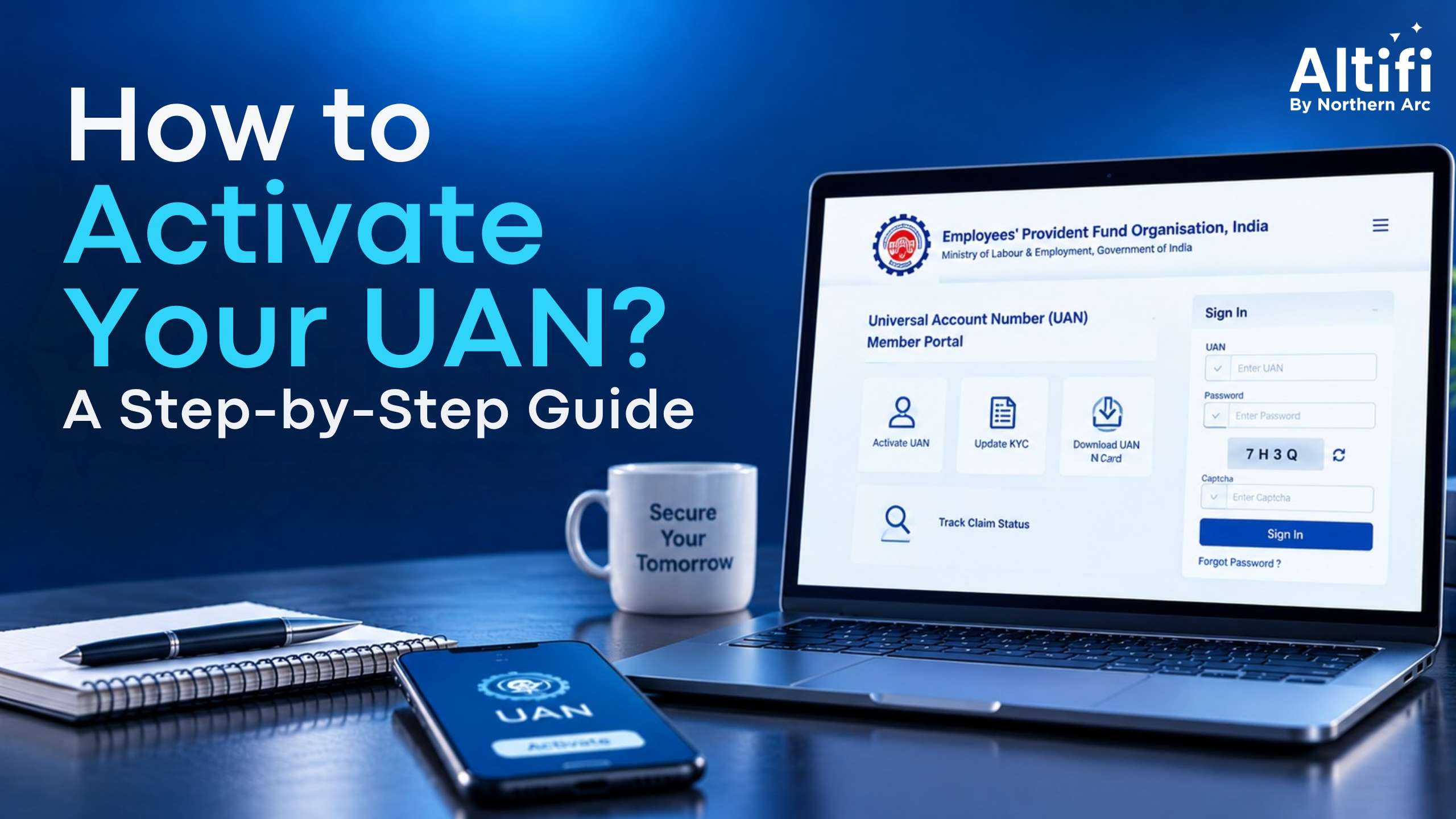
If you're an EPF member, your UAN stays with you even when you change jobs. It links your different EPF accounts to one number, making it easier to manage your retirement savings. But before you can use several EPFO services online, you may need to activate your UAN and complete the required verification. The process is largely digital now, with Aadhaar-based authentication available through the EPFO and UMANG platforms. Here's what you need to know about finding and activating your UAN.
What is UAN (Universal Account Number)?
The Universal Account Number (UAN) is a unique 12-digit number assigned to an EPF member by the Employees' Provident Fund Organisation (EPFO).
Your UAN acts as a common identifier for the different Member IDs you may receive when you change jobs.
Rather than having to handle the EPF account individually, the UAN allows the employment-related accounts to fall under one identification. It becomes easy for you to verify the EPF balance and even look at your passbook and use other EPFO services.
Why is UAN Important for EPF Members?
A UAN becomes particularly useful when you change jobs.
Your new employer may create a new EPF Member ID, but it can be linked to your existing UAN. This helps maintain continuity of your EPF records.
An activated UAN can also give you access to online EPFO services, including:
- Checking your EPF balance and passbook
- Downloading your UAN card
- Updating certain personal details
- Tracking EPF-related claims
- Managing your KYC details
- Transferring your EPF balance between eligible accounts
Keeping your UAN and registered mobile number updated can make these services easier to access.
How to Find Your UAN Number
If you do not know your UAN, then you can easily check it on the EPFO member website.
For that purpose, you may be required to give information like your Aadhaar, PAN or Member ID, your name, date of birth and registered mobile number.
After cross checking the information, EPFO will show you the UAN number or send it to you.
You can also see your salary slip because sometimes the UAN number is provided in the EPF slip of an employee.
How to Activate UAN Online
UAN activation is now linked to Aadhaar-based authentication. EPFO has also introduced face authentication through the UMANG app.
How to Activate UAN Through the EPFO Portal
The EPFO has moved towards Aadhaar-based UAN activation through its digital services.
If the activation option is available for your account, you generally need to:
- Visit the official EPFO member portal.
- Select the UAN activation or related service.
- Enter your UAN and Aadhaar details.
- Enter the mobile number linked with Aadhaar.
- Complete the OTP verification.
- Follow the instructions shown on the portal.
- Set your password once activation is completed.
The exact steps and interface may change as EPFO updates its online services.
How to Activate UAN Through the UMANG App
The UMANG app provides access to several government services, including EPFO services.
For eligible members, UAN activation can involve Aadhaar-based face authentication through the app.
The general process is:
- Install and open the UMANG app.
- Select EPFO services.
- Choose the relevant UAN activation option.
- Enter the requested details.
- Complete Aadhaar authentication and face verification.
- Follow the instructions to complete activation.
Make sure you're using the official UMANG application and that your Aadhaar details are correct.
Aadhaar OTP and Face Authentication for UAN Activation
Aadhaar plays an important role in the current UAN activation process.
Depending on the service and process applicable to you, authentication may involve an Aadhaar OTP or face authentication through UMANG.
In the case of facial recognition, there should be a proper match between your Aadhaar details and biometrics. In some cases, insufficient lighting and the wrong camera angle may lead to failure in the authentication process.
Documents and Details Required for UAN Activation
You may need the following information:
| Details | Purpose |
|---|---|
| UAN | Identifies your EPF account |
| Aadhaar number | Identity verification |
| Aadhaar-linked mobile number | OTP authentication |
| PAN | May be required for EPF/KYC-related services |
| Date of birth | Verification |
| EPF Member ID | Helps identify your employment-linked EPF account |
The exact information required can depend on the activation or authentication method being used.
How to Link Aadhaar With UAN
Linking Aadhaar with your UAN helps complete KYC and can make EPFO services easier to access.
You can generally submit or update Aadhaar details through the EPFO member portal or other authorised EPFO channels.
After submitting the details, the information is verified against the relevant records. The status can then be checked through the portal.
If there is a mismatch in your name, date of birth or other details, you may need to correct the information before the Aadhaar linking can be completed.
What Happens After UAN Activation?
Once your UAN is activated, you can log in to the EPFO member portal using your UAN and password.
You can then access services linked to your EPF account, subject to eligibility and the status of your KYC details.
If you've changed jobs, make sure your current EPF Member ID is linked to your existing UAN rather than creating or using a second UAN unnecessarily.
How to Reset Your UAN Password
Forgotten your UAN password? You can use the Forgot Password option on the EPFO member portal.
You'll generally need to enter your UAN and verify your registered mobile number through an OTP.
Once the verification is complete, you can set a new password.
If your registered mobile number has changed, you may need to follow the alternative verification process offered by EPFO.
Common UAN Activation Problems and How to Resolve Them
A few issues can prevent UAN activation or authentication:
- Aadhaar details don't match: Check your name and date of birth across your records.
- OTP not received: Make sure the mobile number linked to Aadhaar is active.
- UAN details are incorrect: Check your UAN and Member ID carefully.
- Face authentication fails: Try again in good lighting and follow the app's positioning instructions.
- Multiple UANs: Contact your employer or EPFO to resolve duplicate UAN records.
- Portal errors: Try again later if the EPFO portal or UMANG service is temporarily unavailable.
UAN Customer Care and EPFO Helpdesk
If you're unable to resolve an issue online, you can use the EPFO's official grievance and helpdesk channels.
The EPFO website provides options for raising grievances and checking their status. You can also contact the EPFO helpdesk through the official channels listed on its website.
When contacting EPFO, keep your UAN, Member ID and relevant documents handy. This can make it easier to explain the issue and complete verification.
Conclusion
UAN activation is an important step if you want to manage your EPF account online. Once activated, your UAN acts as the common link between your EPF accounts across different employers. With Aadhaar-based authentication and services available through EPFO and UMANG, much of the process can now be completed digitally. Before starting, make sure your Aadhaar, mobile number and EPF details are accurate. This can help avoid verification issues and make your EPF records easier to manage.
Frequently Asked Questions (FAQs)
Is UAN activation mandatory?
UAN activation is required to access certain online EPFO services. The specific requirement can depend on the service you want to use.
Can I activate UAN without Aadhaar?
The current online activation process relies heavily on Aadhaar-based authentication. If you cannot use Aadhaar authentication, check with EPFO for the applicable alternative process.
How long does UAN activation take?
Online activation can generally be completed quickly if your UAN, Aadhaar and other details match EPFO records. Delays may occur if verification fails or records need correction.
Can I activate UAN without a mobile number?
A mobile number is generally required for OTP-based authentication and EPFO online services. An Aadhaar-linked mobile number may be needed for Aadhaar-based activation.
What if face authentication on UMANG keeps failing?
Try again in good lighting, keep your face clearly visible and follow the positioning instructions in the app. If it continues to fail, check your Aadhaar details or use an alternative EPFO-supported process.
How to activate UAN number online?
You can use the applicable UAN activation service through EPFO's online services or the UMANG app, with Aadhaar-based authentication where required.
What documents are needed for UAN activation?
You generally need your UAN, Aadhaar details and Aadhaar-linked mobile number. Other information may be requested depending on the authentication process.
Disclaimer:
The information contained in this Article (“Article”) is for general informational purposes only. Northern Arc Capital Limited (“Northern Arc”) does not make any warranties about the completeness, reliability, and accuracy of this information. Any action you take upon the information contained in this Article is strictly at your own risk, and Northern Arc will not be liable for any losses and damages in connection with the use of our Article.
The data included in this Article has been obtained from sources that are believed to be reliable and accurate at the time of publication. However, Northern Arc does not guarantee the accuracy or completeness of any information, nor does it assume any responsibility or liability for any errors or omissions therein. Any opinions expressed herein are subject to change without notice and Northern Arc is under no obligation to update or keep current the information contained in this Article.
This Article is not intended to constitute, and should not be construed as, investment advice or a recommendation to purchase, sell, or hold any security or to engage in any investment strategy or transaction. Readers should not rely solely on the information provided in this Article for making investment decisions and should conduct their own due diligence or seek the advice of a qualified professional.
The content of this Article is for informational purposes only and is not a solicitation or an offer to buy or sell any securities or financial instruments. Northern Arc is not responsible for any investment decisions made by the recipients of this Article. Readers should take independent financial advice from a qualified professional in connection with, or independently research and verify, any information that is provided in this Article and wish to rely upon, whether for the purpose of making an investment decision or otherwise.
Northern Arc and its affiliates, directors, employees, and agents expressly disclaim any and all liability for any direct or indirect losses, damages, or expenses of any kind arising out of or relating to the use of this Article, including but not limited to, any losses related to the accuracy, completeness, timeliness, or reliability of such information.
This Article may contain forward-looking statements that are based on current expectations, estimates, forecasts, and projections about the markets in which Northern Arc operates, as well as management’s beliefs and assumptions. Forward-looking statements are not guarantees of future performance and involve certain risks and uncertainties, which are difficult to predict. Past performance is not indicative of future results.
This report is intended solely for the recipient and is not for further circulation. Any distribution, modification, reproduction, or disclosure of the contents of this Article, in whole or in part, without the prior written consent of Northern Arc, is strictly prohibited.